

App Overview
Upload-Lift is a Shopify app designed to enhance file upload capabilities across various store pages such as Product, Contact, Cart, and Order Status. It simplifies setup without requiring theme modifications and allows merchants to configure allowed file types. The app features an image editor with cropping options using predefined ratios and shapes, ensuring images fit desired formats. Customers can preview uploads on the field and cart page, improving user experience. Additionally, it includes file validations for size and dimensions and converts advanced files like PDFs into images, broadening usability while maintaining site performance.
Pros
- Configurability: Allows for customization of allowed file types and includes an image editor for desired image formats.
- Versatile placement: Can be placed anywhere on Product, Contact, Cart, or Order Status pages, and still links uploads to orders.
- Multiple file uploads: Supports the upload of multiple files, unlike many other apps.
- Excellent support: Offers quick and comprehensive support, even on weekends, and helps solve unrelated theme code bugs.
Cons
- Poor customer service: arrogant attitude, unwillingness to resolve issues, threats of app access restriction for negative reviews.
- Unreliable performance: missed file uploads, endless spinning wheels, file type errors.
- Lack of flexibility: expensive features that are required for basic functionality.
- Suboptimal support: dismissiveness, unwillingness to address problems.
Screenshots
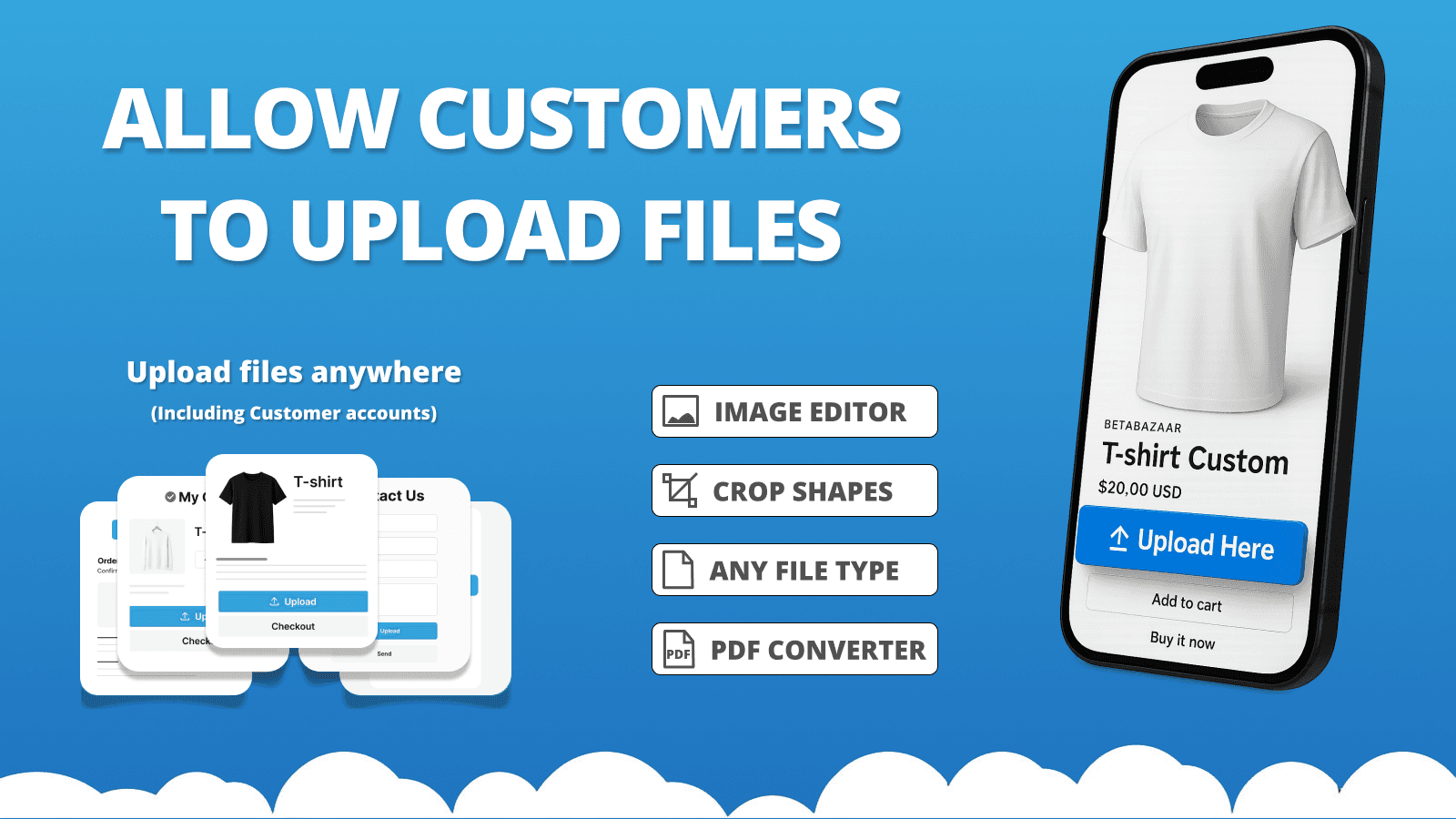
Allow file uploads with orders and enable customers to edit images and create personalized products.
Upload-Lift allows customers to upload files / images / photos on Product, Contact, Cart and Order Status pages. It's easy to set up and does not require any theme modifications. You can configure the allowed file types, and the app includes an image editor to let customers crop images in your desired format. Let customers upload photo upload on any page on your store.
Key Features
- Fast upload of any file type up to 5GB in size.
- Image editor that allows cropping with predefined ratios and crop shapes.
- Preview of the uploaded image on the upload field and cart page.
- File Validations. Configure min/max file size and image dimensions.
- File conversion of advanced file formats e.g (PDF/Ai) into images.
Best alternatives to Upload‑Lift Image Upload

Sell more w/ combined listings & clean multiple images gallery


GLO Color Swatch Variant Image
Increase conversions by showing product variants as swatches

Custom file upload to let customers upload files with order.

Photo upload,file upload & custom field for product customizer

OPTIS Product Options, Variant
Personalize product options variant option w/ text box, add on
Upload‑Lift Image Upload FAQs
Yes! Try Upload‑Lift Image Upload free plan. For more details about Upload‑Lift Image Upload pricing, check here.