

File Upload by Uploadery
Let customers upload images or upload files when ordering
Developed by ShopPad Inc.
App Overview
Uploadery is a Shopify app designed to allow customers to upload files up to 2GB during checkout. It provides customization options for accepting specific file types and setting image size and aspect ratio parameters, ensuring high-quality uploads. The app also offers preview images for made-to-order items, enhancing the shopping experience, and benefits from USA-based support to streamline order management.
Pros
- Easy installation and seamless integration: App is easy to install and integrate with Shopify 2.0 themes, ensuring a smooth user experience for merchants.
- Customizable upload settings: Allows merchants to specify file formats, minimum and maximum dimensions, and aspect ratios for uploaded files, ensuring high-quality and consistent product images.
- Excellent customer support: Offers friendly and responsive live chat and email support, addressing merchant queries and resolving installation issues promptly.
- Advanced features: Provides advanced features such as image cropping, preview options, and special features tailored to specific merchant needs, enhancing the app's functionality and versatility.
Cons
- Incompatibility: Does not work with Facebook browsers or third-party page builders.
- Poor functionality: Causes issues with uploads, leading to lost sales.
- Hidden charges: Unauthorised recurring payments without prior notification.
- Lack of support: unresponsive customer service and inadequate installation guidance.
Screenshots
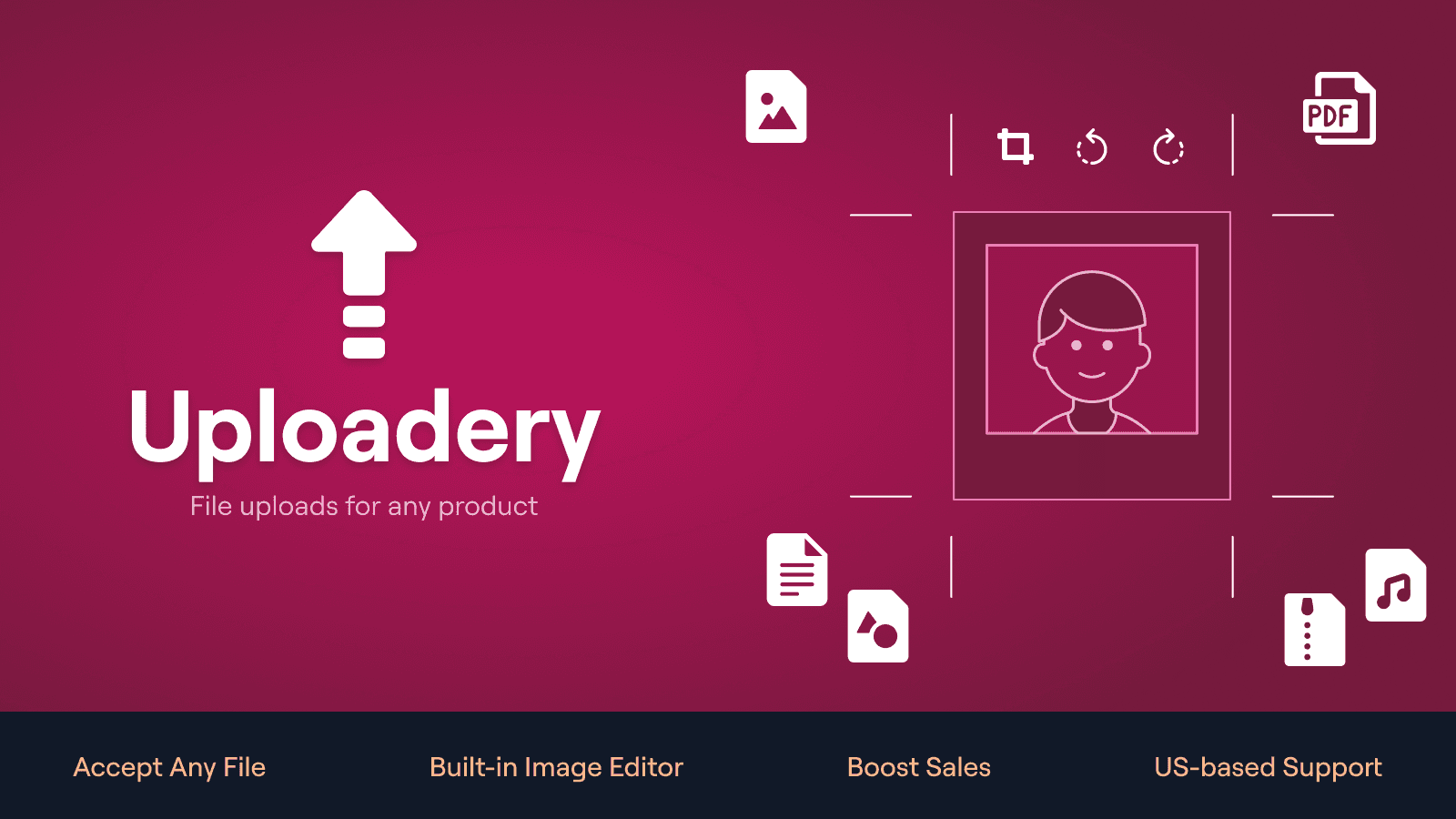
Let customers upload artwork, photos, and files to their orders
Uploadery lets customers upload files directly when adding your products to their cart. Files are attached to the order in Shopify so you can fulfill without chasing customers. Accept any file type, validate uploads, keep your fulfillment workflow clean, and your shoppers happy. Whether you're selling custom apparel, print products, personalized gifts, or handling B2B orders, Uploadery makes it easy to collect the files you need upfront.
Key Features
- Support large files (up to 2GB) for high-resolution images, print, and video
- Files are attached directly to the order in your Shopify admin
- Let customers crop and adjust images before upload to reduce errors
- Control file types, aspect ratios, min/max widths and heights
- Merchants love the fast, reliable support from our US-based team
Best alternatives to File Upload by Uploadery

OPTIS Product Options, Variant
Personalize product options variant option w/ text box, add on

Mini:Custom Fields Personalize
Product customizer with custom field, textbox, upload images

Easify Custom Product Options
Add variant option w/ product personalizer, file upload, addon

Photo upload,file upload & custom field for product customizer

Custom file upload to let customers upload files with order.

Customily Product Personalizer
Smart product customizer with live preview & print ready files
File Upload by Uploadery FAQs
Yes! Try File Upload by Uploadery free plan. For more details about File Upload by Uploadery pricing, check here.