

App Overview
Enhance your product pages with VIM: Variant Image Module, designed to streamline variant management. Quickly set up galleries for each variant, assign images to multiple options like color and size, and integrate seamlessly without code. Choose from various layouts that match your theme and ensure a smooth experience across all devices.
Screenshots
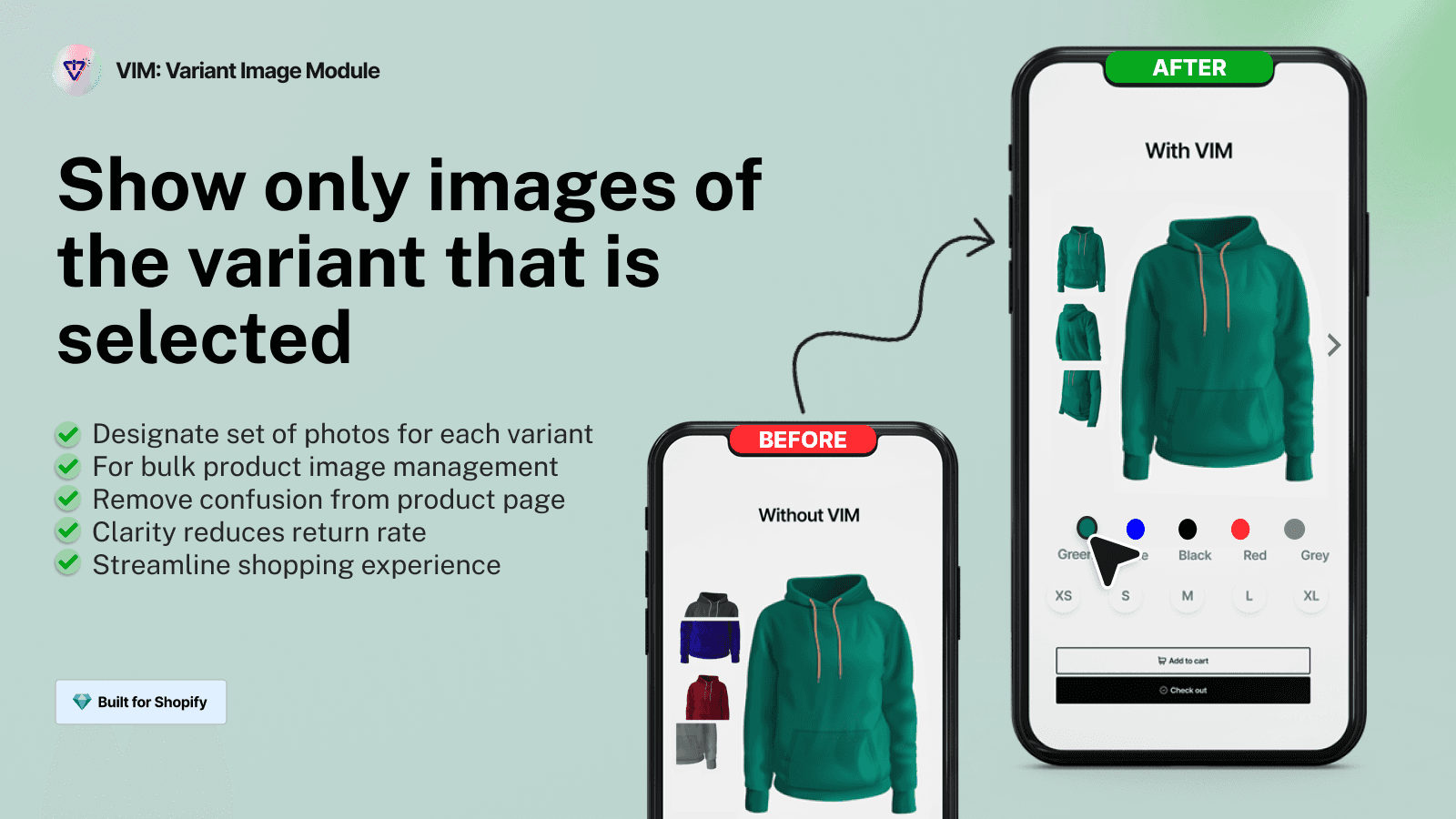
Assign multiple variant images. Streamline product page with fully customizable variant gallery.
The, fully customizable, VIM Variant Gallery replaces the existing product gallery on your theme of choice. Showcase all product variations uniquely and improve shopping experience. Instead of showing every image for all variations you can now display just the images for the selected variant. Blue/Large can have its own images, separate from Blue/Small, or Red/Large. Compatible with any theme, simple to configure, requires no coding, turn ON/OFF at anytime. Enjoy a clean setup and performance.
Key Features
- Quickly setup product variants with a dedicated gallery, slider or grid.
- Assign an image to MULTIPLE variant options, say Color and Size
- Easily integrate with ANY theme: minimal, no-code setup required.
- Choose from various gallery layouts and styles that match your store's design.
- Add descriptions, tooltips, and helper text per variant.
Best alternatives to VIM: Variant Image Module


SA Variant Image Automator
Show multiple variant images. Clean up variant image gallery.

VIM: Variant Image Module FAQs
Yes! Try VIM: Variant Image Module free plan. For more details about VIM: Variant Image Module pricing, check here.