

payFn: Payment Method Rules
4• 4 reviews
Hide, rename or sort any payment methods on checkout page.
Developed by Mascot Software Technologies Pvt. Ltd
Screenshots
1 / 7
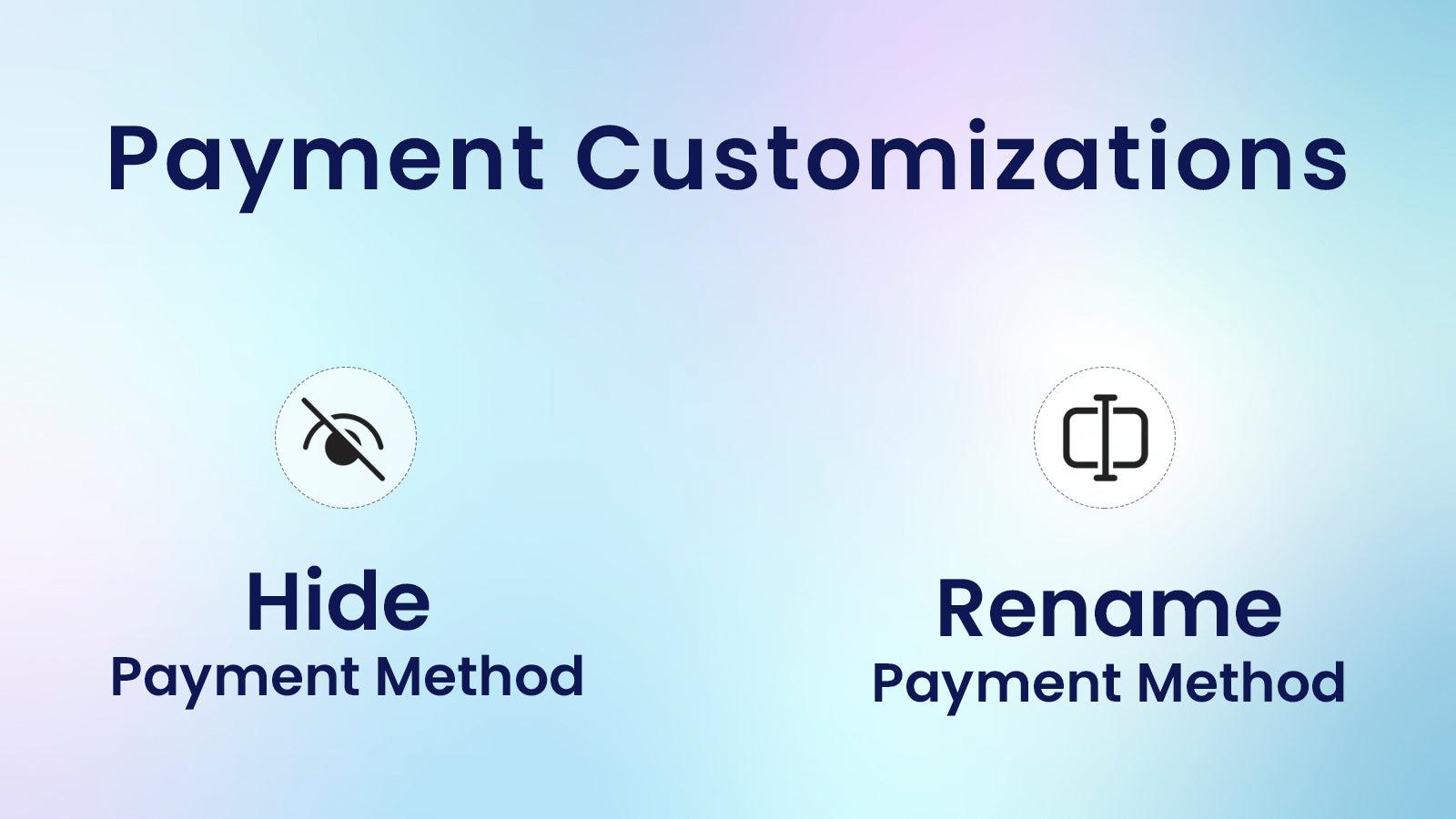
Hide any payment method at checkout based on rules. Rules can have multiple conditions.
Payment customizations
Key Features
- Hide by cart total, cart subtotal and cart quantity.
- Hide by products, product tag, product SKU and collection.
- Hide by country, city, state and zip codes.
- Hide by customer tags and specific customer.
- Use native shopify functions. Runs inside shopify. No loading issues.
Best alternatives to payFn: Payment Method Rules

Payfy: Hide Payment Rules
4.9(137)
Free plan available. Free trial available.
Checkout customize to reorder, rename & hide payment methods.

BeSure Checkout Rules
5(177)
Free plan available. Free trial available.
Customize checkout behavior with conditional powerful rules

Kip: Sort Hide Payment Methods
4.9(112)
Free plan available. Free trial available.
Take full control of payment methods with Kip customizations.

Free plan available. Free trial available.
Control your shipping rates by multiple conditions at checkout


payFn: Payment Method Rules FAQs
Yes! Try payFn: Payment Method Rules free plan. For more details about payFn: Payment Method Rules pricing, check here.