

Screenshots
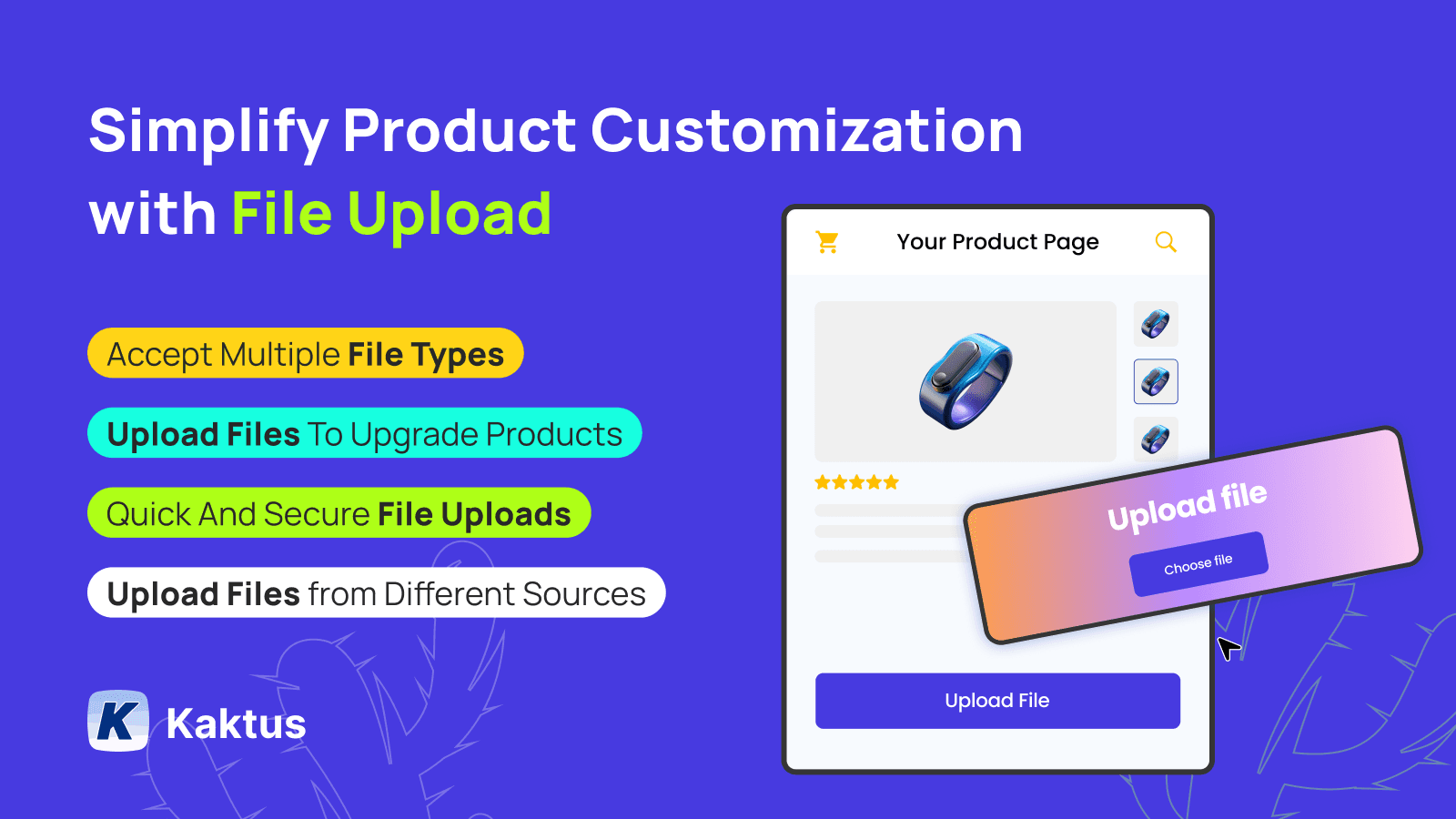
Simplify orders with a versatile files upload & images upload feature for your product pages.
File Upload makes it simple for customers to upload files on cart, images, and documents directly to orders, supporting a wide range of file formats like PDFs, DOCs, JPEGs, PNGs, and more. Upload image files to respective orders, streamlining the management of customizations. App offers seamless integration with platforms like Google Drive, Dropbox, OneDrive, Facebook, and Instagram. Upgrade your product pages with cutomer file upload and enjoy safe, effortless file handling!
Key Features
- Tailor upload buttons to align perfectly with your brand and product needs.
- Files upload from local devices, Facebook, Instagram, Google Drive, and more.
- Easy image uploading file formats like PDF, DOC, XLS, JPEG.
- Securely add image file upload directly to customer orders.
- Make product pages more engaging with smooth images upload options.
Best alternatives to K: Product File Uploads

Custom file upload to let customers upload files with order.

File Uploads by UploadKit
Seamless file uploads for personalized products

OPTIS Product Options, Variant
Personalize product options variant option w/ text box, add on

Easify Custom Product Options
Add variant option w/ product personalizer, file upload, addon

Hulk Product Options
Product customizer for swatches, product options and variants

Upload‑Lift Image Upload
Receive Image file uploads for personalized orders.
K: Product File Uploads FAQs
No. K: Product File Uploads pricing starts at N/A. For more details about K: Product File Uploads pricing, check here.