

App Overview
UploadKit's File Uploads App Enhance your Shopify store with UploadKit's File Uploads app, enabling customers to upload files from multiple sources including phones, computers, and social platforms like Facebook and Instagram. This app streamlines the process by offering real-time previews and image editing tools, ensuring high-quality submissions. Files are securely uploaded and synced directly to Google Drive for efficient access, while post-checkout uploads on the Pro plan provide added flexibility. Additionally, advanced malware scanning ensures your store remains protected against potential threats. By integrating this app, you not only improve customer convenience but also boost operational efficiency for a seamless shopping experience.
Pros
- Effortless Uploads: Customers can upload files from various sources, simplifying the submission process.
- Versatile Customization: Options to tailor button design and functionality enhance user experience and match store aesthetics.
- Advanced Integration: Google Drive integration automates file downloads, streamlining workflow for teams.
- Exceptional Support: Prompt and personalized assistance ensures seamless app implementation and functionality.
Cons
- Confusing Plans: Free plans are advertised but require starting a free trial instead.
- Unreliable Uploading: Uploading multiple files in specific orders is problematic.
- Poor Customer Support: Delayed responses and ineffective resolutions.
- Limited Functionality: Saving pictures is unavailable.
Screenshots
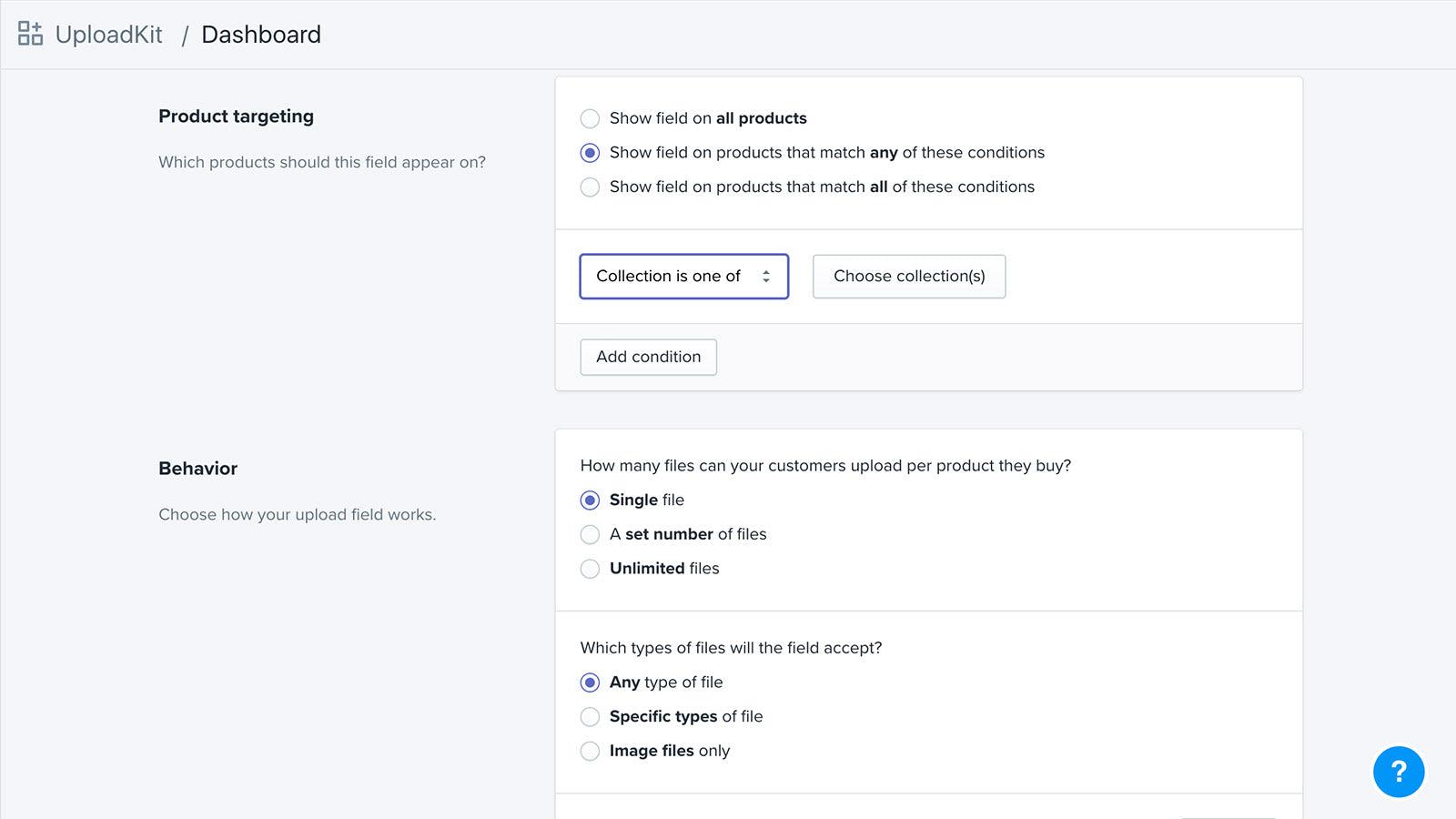
Create personalized products for your customers with UploadKit's seamless file upload fields
Let your customers upload their file from wherever it is - in their phone, on their computer, or from their Facebook, Instagram or Dropbox account. It's then uploaded fast and reliably, shown on the product page and in their cart, and available for you to download from your Shopify dashboard. With our Google Drive integration, the files will be downloaded direct to your team's computers automatically. Customers can also upload files after checkout with post-purchase uploads.
Key Features
- Accept files from phones, computers, Facebook, Instagram and more
- Let customers preview, auto-enhance, rotate, sharpen and crop images
- Automatically sync uploaded files to your Google Drive for faster order handling
- Let customers upload their files right away, or after checkout
- Automatically scans all files for malware and blocks viruses and trojans
Best alternatives to File Uploads by UploadKit

OPTIS Product Options, Variant
Personalize product options variant option w/ text box, add on

Hulk Product Options
Product customizer for swatches, product options and variants

Upload‑Lift Image Upload
Receive Image file uploads for personalized orders.

Custom file upload to let customers upload files with order.


File Uploads by UploadKit FAQs
Yes! Try File Uploads by UploadKit free plan. For more details about File Uploads by UploadKit pricing, check here.