
10 Best Shopify Navigation Menu Apps in 2026 [Expert Reviews]
In the competitive world of e-commerce, a seamless customer experience is what separates a one-time visitor from a loyal customer. Store navigation is the backbone of this experience. If shoppers can't find what they're looking for quickly and intuitively, they will leave. Standard Shopify themes offer basic navigation, but a dedicated Shopify navigation menu apps can unlock a new level of professionalism, user engagement, and ultimately, sales.
These powerful tools transform your store's header and search functionality, enabling you to build sophisticated mega menus, implement smart product filters, and provide an effortless browsing journey on any device. This guide provides an expert-led review of the top-rated navigation apps on the Shopify App Store, based on real user ratings, features, and pricing. Every app has been evaluated to help you make an informed decision that aligns with your brand's needs and business goals.
What you’ll find in this guide:
- In-depth reviews of each navigation app, detailing its core features, user ratings, and pricing structures.
- Actionable advice on how to select the right navigation app for your specific Shopify store.
- Answers to frequently asked questions about Shopify navigation and menu apps.
Top 10 Shopify Navigation Menu Apps
Before diving into the detailed reviews, here is a summary of the best navigation apps to help you quickly compare your options.
App Name | Best For | Starting Price | Free Option | User Rating |
|---|---|---|---|---|
Globo Mega Menu, Navigation | All-in-one menu building | $0 | Yes | 4.9 |
qikify Mega Menu & Navigation | Customizable menu templates | $0 | Yes | 4.9 |
Smart Product Filter & Search | Advanced filtering and search | $0 | Yes | 4.9 |
XCloud Search & Product Filter | Collection-specific filters | $0 | Yes | 4.9 |
Navi+ TabBar/Mega Menu Builder | Mobile navigation (Tab Bars) | $0 | Yes | 4.9 |
Searchanise Search & Filter | AI-powered product discovery | $0 | Yes | 4.7 |
Buddha Mega Menu & Navigation | Visual menu elements | $0 | Yes | 4.8 |
Boost AI Search & Filter | Intelligent search and merchandising | $29/ month | No | 4.7 |
Meteor Mega Menu & Navigation | Fast setup and multi-region support | $0 | Yes | 4.7 |
Scrolly: Scroll To Top Button | Improving on-page usability | $0 | Yes | 5.0 |
1. Globo Mega Menu, Navigation
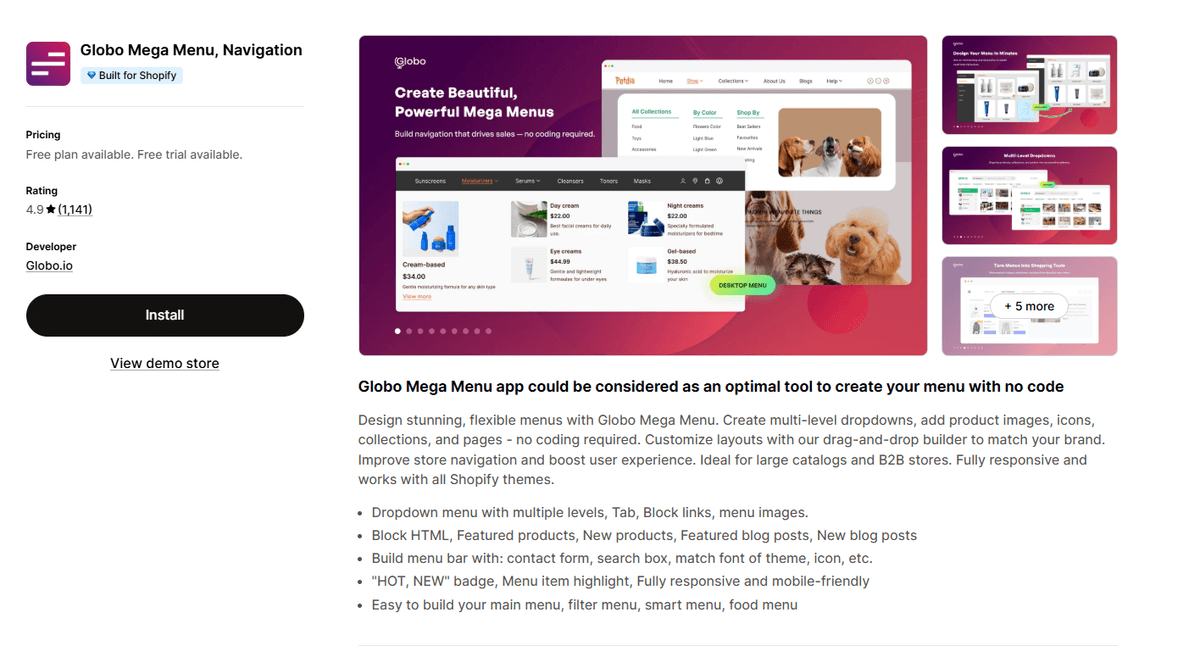
Globo Mega Menu is a comprehensive navigation solution for Shopify stores that need highly customizable menus. It is recognized for its versatility and user-friendly interface. The app allows merchants to build professional, multi-level dropdown menus that enhance product discovery.
You can create menus featuring:
- Products, collections, and pages
- Images, icons, and blog posts
- A drag-and-drop builder for easy customization
Its responsive design ensures compatibility with all Shopify themes and a smooth experience across devices, making it a top choice for stores of all sizes.
Rating: 4.9/5-star from 1100+ reviews.
Pricing: A free plan is available. Paid plans start at $12.90/month.
2. qikify Mega Menu & Navigation
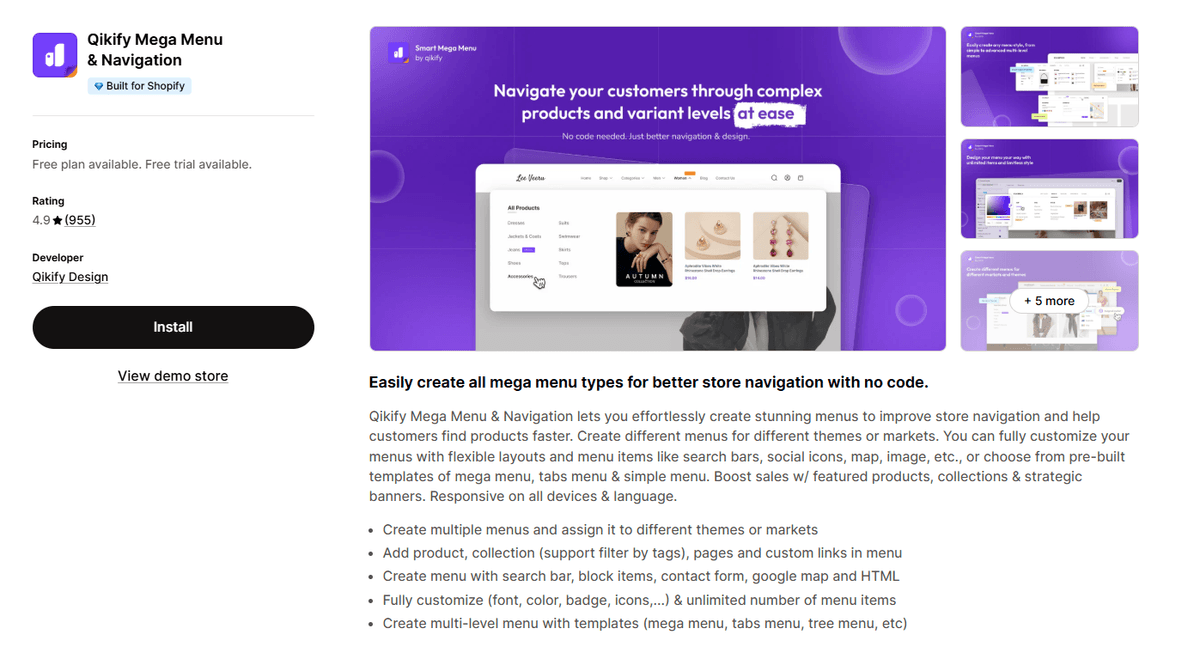
qikify Mega Menu & Navigation helps stores improve their navigation with versatile and customizable menu templates. It excels at incorporating various content types directly into the navigation bar, boosting engagement and providing a rich user experience.
The app allows you to add:
- Products and collections (with tag filtering)
- Promotional badges and HTML content
- Contact forms, Google maps, and search bars
Its focus on a seamless, responsive design makes it a strong contender for businesses aiming to improve customer journeys and drive sales.
Rating: 4.9/5-star from 950+ reviews.
Pricing: A free plan is available. Paid plans begin at $9.99/month.
3. Smart Product Filter & Search
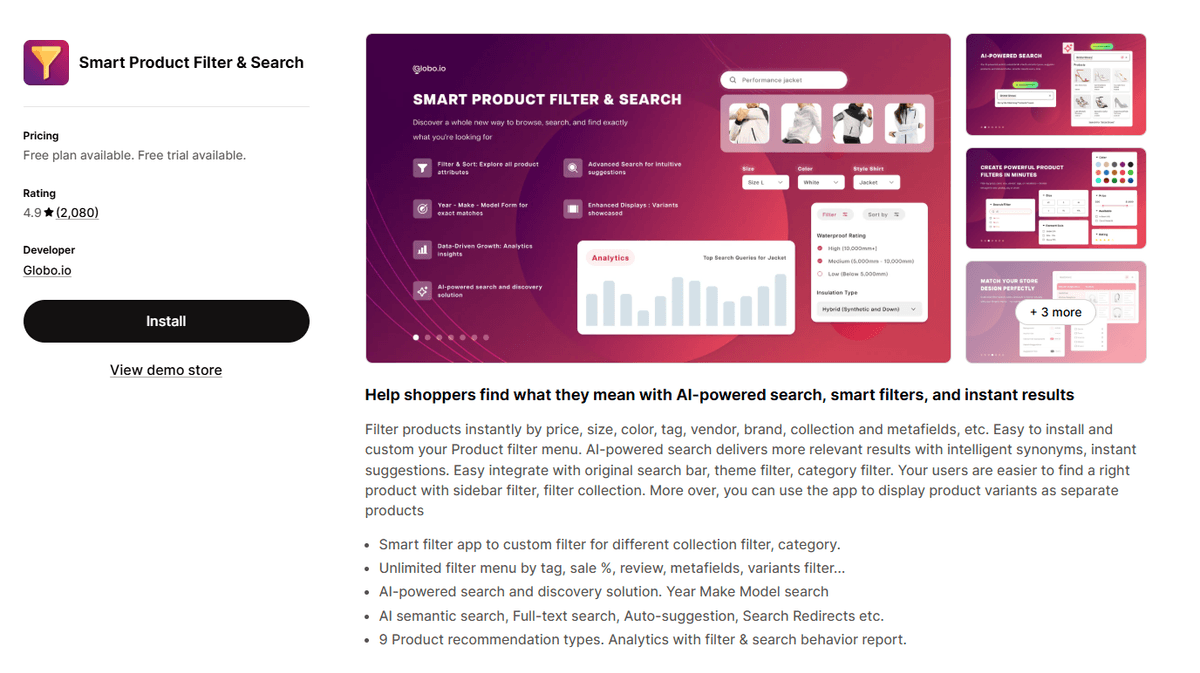
Smart Product Filter & Search is a complete solution for enhancing product discovery through advanced search and filtering. It empowers customers to narrow down their choices instantly using a wide array of attributes. This app is ideal for stores with large or complex inventories.
Key features include:
- Filtering by price, size, color, brand, and custom metafields
- Instant search with auto-suggestions, spell check, and synonyms
- Product recommendations and user behavior analytics
The app integrates seamlessly with existing themes to provide an intuitive and efficient shopping experience.
Rating: 4.9/5-star from 2000+ reviews.
Pricing: A free plan is available. Paid plans start at $19/month.
4. XCloud Search & Product Filter
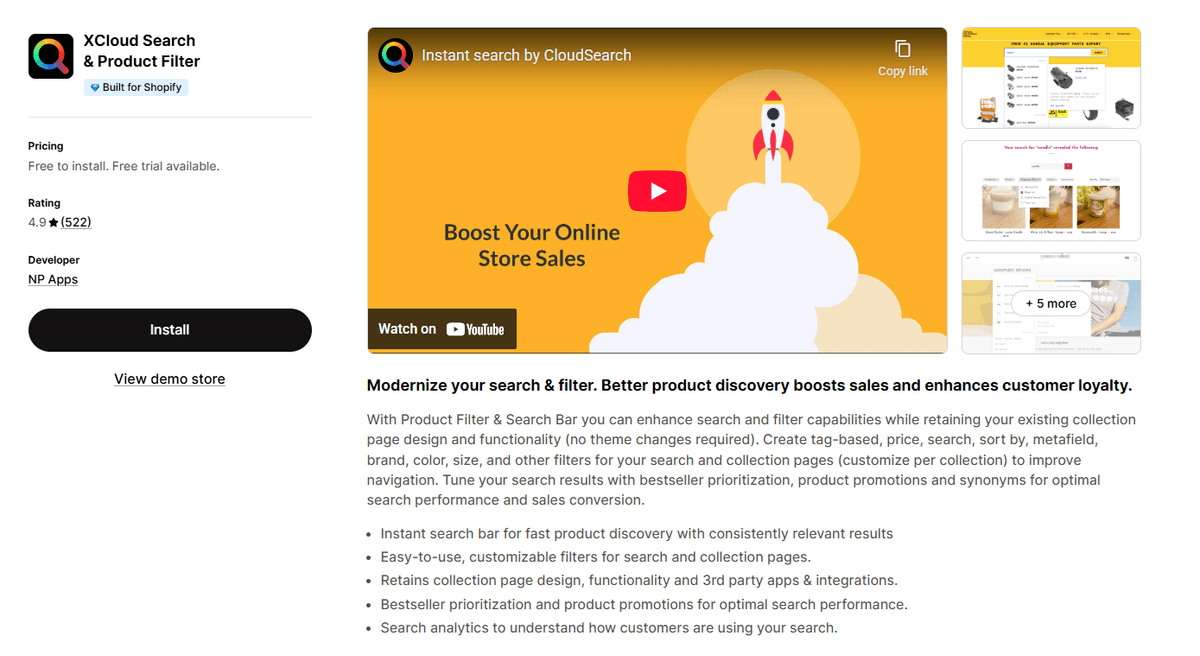
XCloud Search & Product Filter is designed to upgrade search and filtering on collection pages without disrupting your store's existing design. It is particularly effective for merchants who need to set up collection-specific filters, allowing for a tailored browsing experience.
The app offers:
- Customizable filters for tags, price, brand, and more
- An instant search bar to speed up product discovery
- Bestseller prioritization and in-search promotions
With integrated search analytics, merchants can gain insights into customer behavior to optimize their sales strategy.
Rating: 4.9/5-star from 500+ reviews.
Pricing: Free to install. Paid plans start at $9/month.
5. Navi+ TabBar/Mega Menu Builder
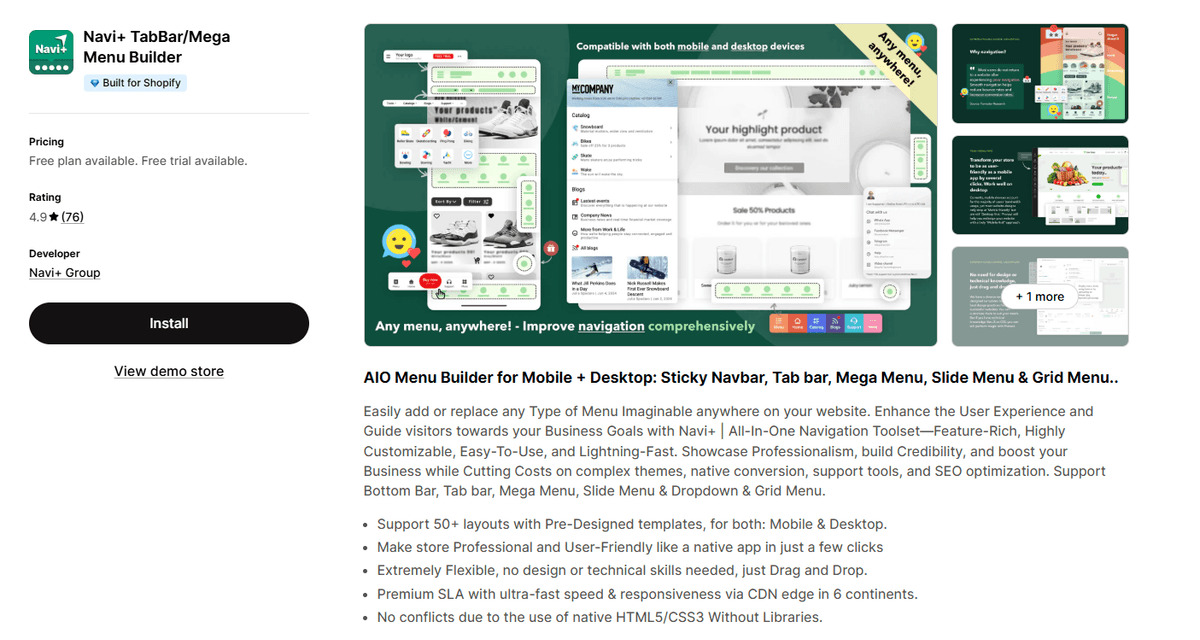
Navi+ is an all-in-one navigation builder specializing in mobile-first designs like tab bars, in addition to traditional mega menus. It provides a vast library of pre-designed templates, making it easy to create professional navigation without technical skills.
Its strengths include:
- Over 50 templates for desktop and mobile
- Fast performance due to native HTML5/CSS3 implementation
- A drag-and-drop interface for seamless customization
This app is perfect for merchants who want to optimize their mobile user experience and improve site professionalism.
Rating: 4.9/5-star from 70+ reviews.
Pricing: A free plan is available. Paid plans start at $6.25/month.
6. Searchanise Search & Filter
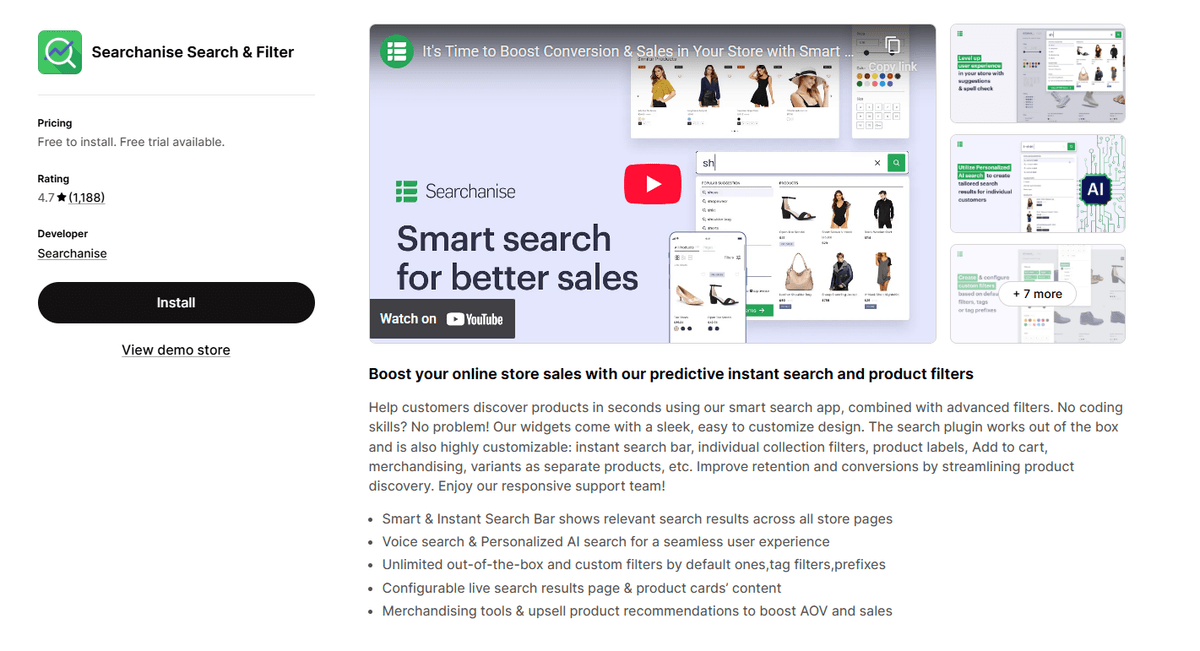
Searchanise enhances product discovery using AI-driven features. It provides an advanced, instant search experience that helps customers find products with ease, supporting everything from voice search to smart suggestions.
Key features are:
- AI-powered search with smart and voice-activated queries
- Unlimited pre-set and custom product filters
- Merchandising tools like custom labels and sorting options
By improving search accuracy and customer engagement, Searchanise helps stores increase retention and drive more sales.
Rating: 4.7/5-star from 1100+ reviews.
Pricing: Free to install. Paid plans start at $19/month.
7. Buddha Mega Menu & Navigation
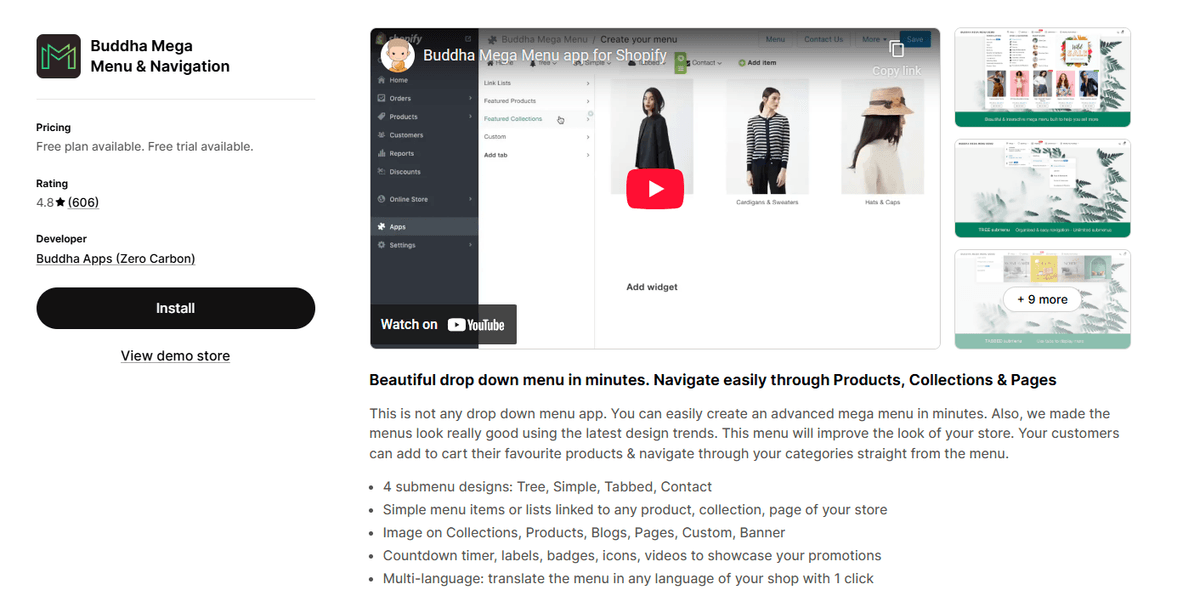
The Buddha Mega Menu app focuses on creating highly visual and functional menus. It offers a user-friendly interface to design professional-grade navigation with various submenu styles, including Tree, Tabbed, and Contact forms.
It is known for incorporating dynamic visual elements such as:
- Product images and promotional videos in the menu
- Countdown timers to create urgency
- Multi-language support for global stores
This app is an excellent choice for brands that want to create an aesthetically pleasing and efficient navigation experience.
Rating: 4.8/5-star from 600+ reviews.
Pricing: A free plan is available. Paid plans start at $9.95/month.
8. Boost AI Search & Filter
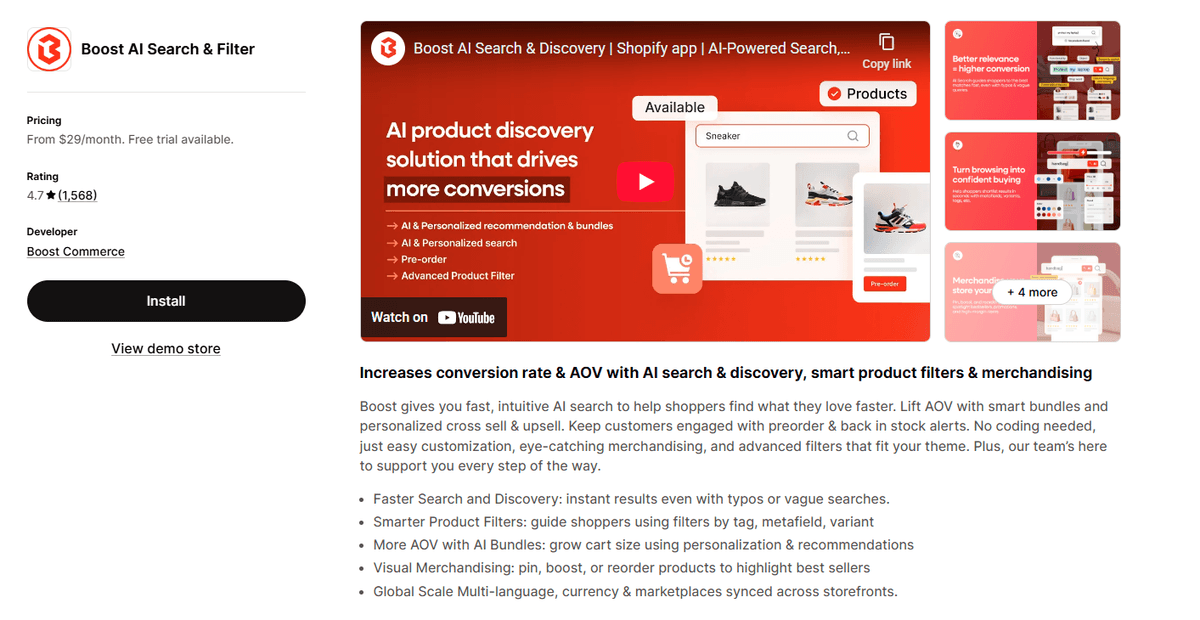
Boost AI Search & Filter leverages artificial intelligence to elevate the shopping experience. The app provides intelligent search results, enhances product recommendations, and offers visual merchandising tools without requiring any technical expertise.
Its comprehensive solution includes:
- AI-powered search for highly accurate results
- Advanced custom filters for precise product discovery
- Detailed analytics to help optimize store performance
It is aimed at improving customer engagement and driving sales growth through smarter navigation capabilities.
Rating: 4.7/5-star from 1500+ reviews.
Pricing: Only paid plans, start at $29/month.
9. Meteor Mega Menu & Navigation
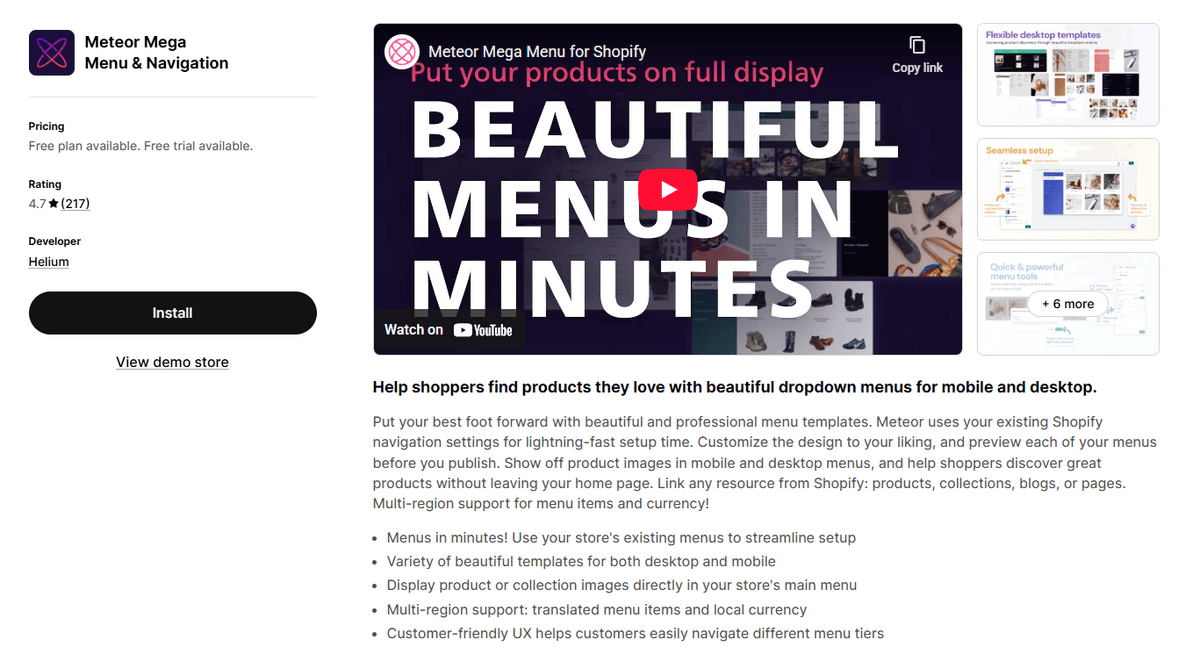
Meteor Mega Menu simplifies the process of creating professional menus with minimal setup time. It cleverly uses your store's existing navigation settings as a foundation, allowing for quick customization with a range of modern templates.
Highlights include:
- Fast setup using existing Shopify navigation
- Displaying product or collection images directly in menus
- Multi-region support for localized currencies and translations
This app is ideal for store owners who want a powerful menu solution that is easy to implement and manage.
Rating: 4.7/5-star from 200+ reviews.
Pricing: A free plan is available. Paid plans start at $8/month.
10. Scrolly: Scroll To Top Button
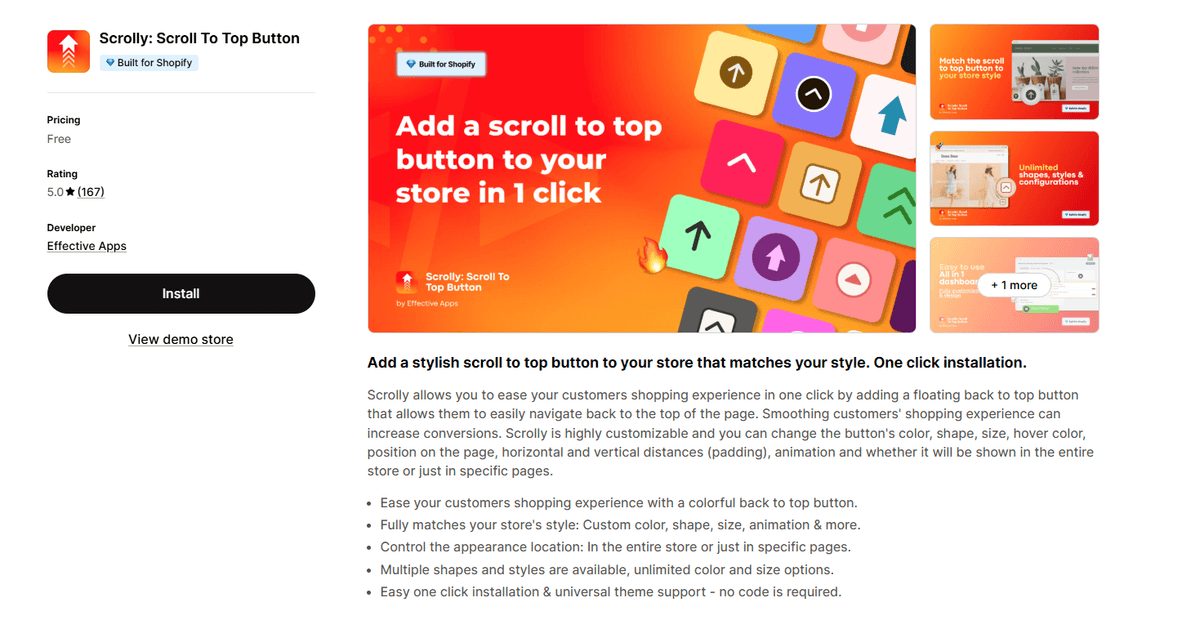
Scrolly is a specialized app that enhances site usability with a simple but effective feature: a customizable "back to top" button. It helps users navigate long pages effortlessly, reducing frustration and improving on-page engagement.
The app provides:
- Extensive customization for button color, shape, size, and animation
- Control over where the button appears (site-wide or specific pages)
- Straightforward, no-code installation
By offering a smoother user experience, Scrolly contributes to higher customer satisfaction and is an effective tool for any Shopify store.
Rating: 5.0/5-star from 150+ reviews.
Pricing: Free.
How to Pick the Right Navigation Shopify App for Your Store?
Choosing the best navigation app depends on your store's unique needs. Consider the following factors to make the right decision:
- Identify Your Primary Goal: What is your main objective? If you have a large inventory, an app with robust search and filter capabilities like Smart Product Filter & Search is essential. If your priority is creating a visually rich, multi-level menu, a mega menu builder like Globo Mega Menu or qikify would be a better fit.
- Consider Your Budget: Many apps offer a generous free plan that is perfect for new or small stores. Analyze the features included in the free tier versus paid plans. As your store grows, ensure the app's paid plans offer the scalability you need without excessive costs.
- Check for Ease of Use: Look for apps that offer a drag-and-drop interface and require no coding. This will save you time and allow you to make changes easily. Most apps on this list are designed for non-technical users.
- Ensure Mobile Responsiveness: A significant portion of e-commerce traffic comes from mobile devices. Your navigation must be flawless on all screen sizes. Check that the app guarantees a fully responsive design and, if needed, offers mobile-specific features like tab bars.
- Review Theme Compatibility and Support: While most top apps are compatible with all modern Shopify themes, it's always wise to confirm. Read recent reviews to gauge the quality of customer support, as quick assistance can be crucial if you encounter any issues.
FAQs about Navigation Menu Apps on Shopify
What is a Shopify navigation app?
A Shopify navigation app is a third-party tool that extends the default navigation features of your Shopify theme. It allows you to create advanced menus (like mega menus), implement sophisticated product filters, improve the on-site search experience, and add other usability features to help customers find products more easily.
Do I need a navigation app for my Shopify store?
While not mandatory, a navigation app is highly recommended, especially for stores with a large number of products or collections. Improved navigation leads to a better user experience, which can increase customer satisfaction, session duration, and conversion rates.
Can navigation apps slow down my store?
This is a valid concern. However, well-coded and reputable apps, like the ones featured in this list, are optimized for performance and should have a minimal impact on your store's loading speed. Many use modern technologies and asynchronous loading to prevent slowdowns. It is always a good practice to test your site speed after installing any new app.
Are these apps difficult to set up?
No, most modern navigation apps are designed to be user-friendly. They typically feature intuitive interfaces, drag-and-drop builders, and pre-made templates that require no coding knowledge. This makes it possible for any store owner to set up and manage professional-grade navigation.
Conclusion
Upgrading your store's navigation is a strategic investment in the customer journey. A clear, intuitive, and feature-rich navigation system not only boosts professionalism but also directly impacts your bottom line by making it easier for shoppers to discover and purchase your products.
Whether you need a powerful mega menu, an intelligent AI search, or advanced product filters, the apps listed above offer proven solutions trusted by thousands of merchants. By evaluating your specific needs against the features and pricing of each app, you can select the perfect tool to enhance your store's user experience and drive growth in 2026 and beyond.
![9 Best Shopify Translation Apps in 2026 [Expert Reviews]](/_next/image?url=https%3A%2F%2Fapi-wix.letsmetrix.com%2Fuploads%2FBestShopifyTranslationApps(1)1772099410877.png&w=3840&q=75)
![7 Best Shopify Inventory Management Apps in 2026 [Expert Reviews]](/_next/image?url=https%3A%2F%2Fapi-wix.letsmetrix.com%2Fuploads%2FShopifyInventoryManagementApps1769568798368.jpg&w=3840&q=75)
![10 Best Shopify Page Builder Apps in 2026 [Real Ratings & Use Cases]](/_next/image?url=https%3A%2F%2Fapi-wix.letsmetrix.com%2Fuploads%2Fshopifypagebuilderapps(1)1766045668400.png&w=3840&q=75)

1779178565213.png&w=3840&q=75)
1779079852354.png&w=3840&q=75)
1778146500970.png&w=3840&q=75)
1778052641749.png&w=3840&q=75)
1778220787051.png&w=3840&q=75)
1777884794983.png&w=3840&q=75)
1777446574562.png&w=3840&q=75)
1777436136439.png&w=3840&q=75)
1777368900479.png&w=3840&q=75)
(1)1776226010776.png&w=3840&q=75)
![Top 7 Klaviyo Alternatives and Competitors in 2026 [with Real Ratings]](/_next/image?url=https%3A%2F%2Fapi-wix.letsmetrix.com%2Fuploads%2FKlaviyoAlternatives(1)1775801269772.png&w=3840&q=75)
![7 Simprosys Feed Alternatives and Competitors in 2026 [with Real Ratings]](/_next/image?url=https%3A%2F%2Fapi-wix.letsmetrix.com%2Fuploads%2FBestSimprosysAlternatives(2)1775618960956.png&w=3840&q=75)
![7 Zapiet Delivery Alternatives and Competitors in 2026 [with Real Ratings]](/_next/image?url=https%3A%2F%2Fapi-wix.letsmetrix.com%2Fuploads%2FBestZapietAlternatives(1)1775554997133.png&w=3840&q=75)